Welcome to our Getting Started Guide for the Validd platform! In this guide, we will cover the fundamental features and functions of the platform.
Create your Validdo account:
- Navigating the User Interface
- Creating and Editing Documents
- Collaborating with Others
- Publishing and Sharing Documents
Inform your participants
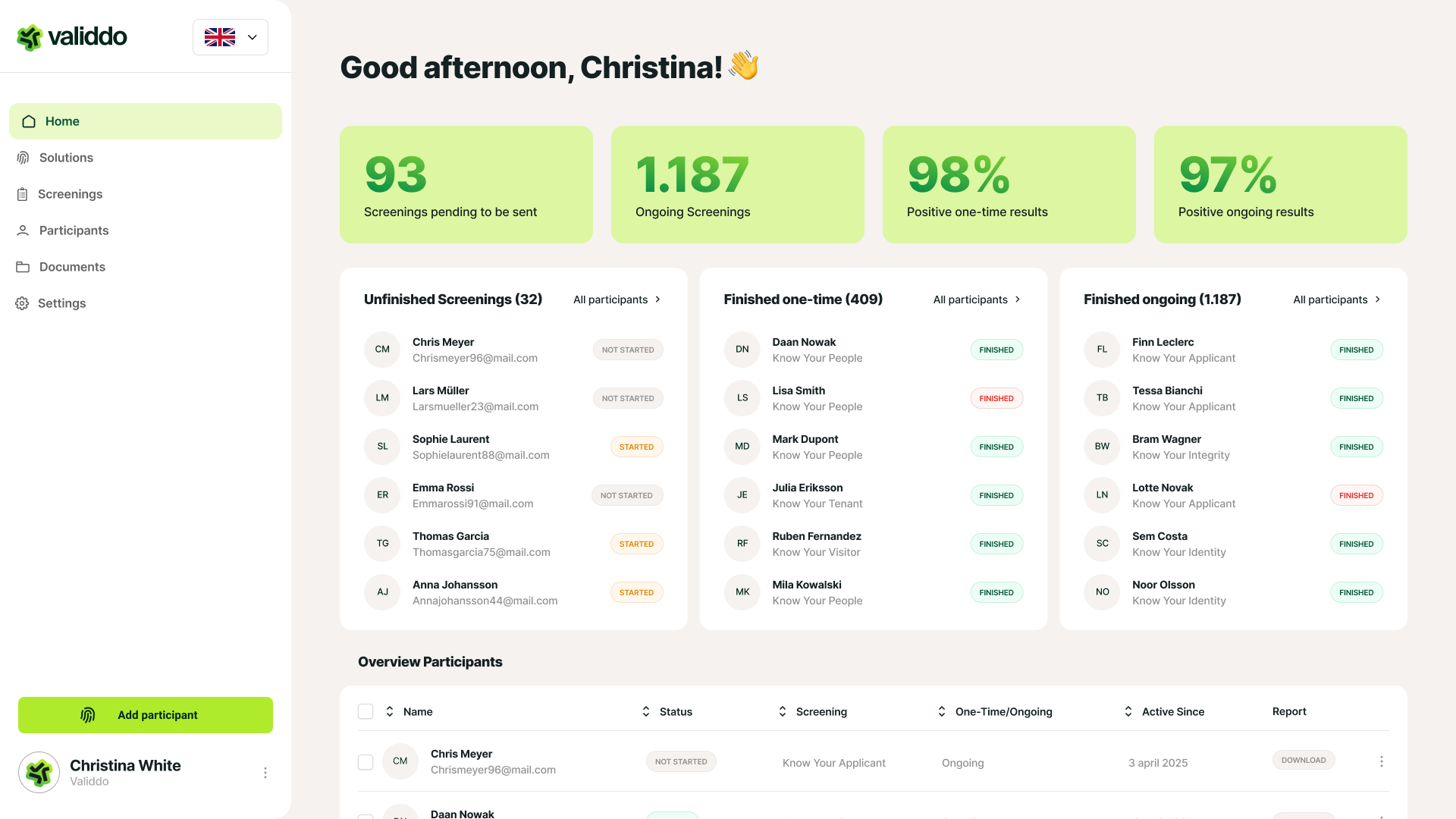
- The top navigation bar provides access to the main pages and functions of the platform.
- The left sidebar contains a list of your personal documents and collections.
- The main content area displays the document you are currently viewing or editing.
Sent your selected screening to your participant(s)
- To create a new document, click the "New Document" button in the top right corner of the main content area.
- You can add text, images, and other media to your document by using the formatting tools in the top toolbar.
- To save your changes, click the "Save" button in the top right corner.
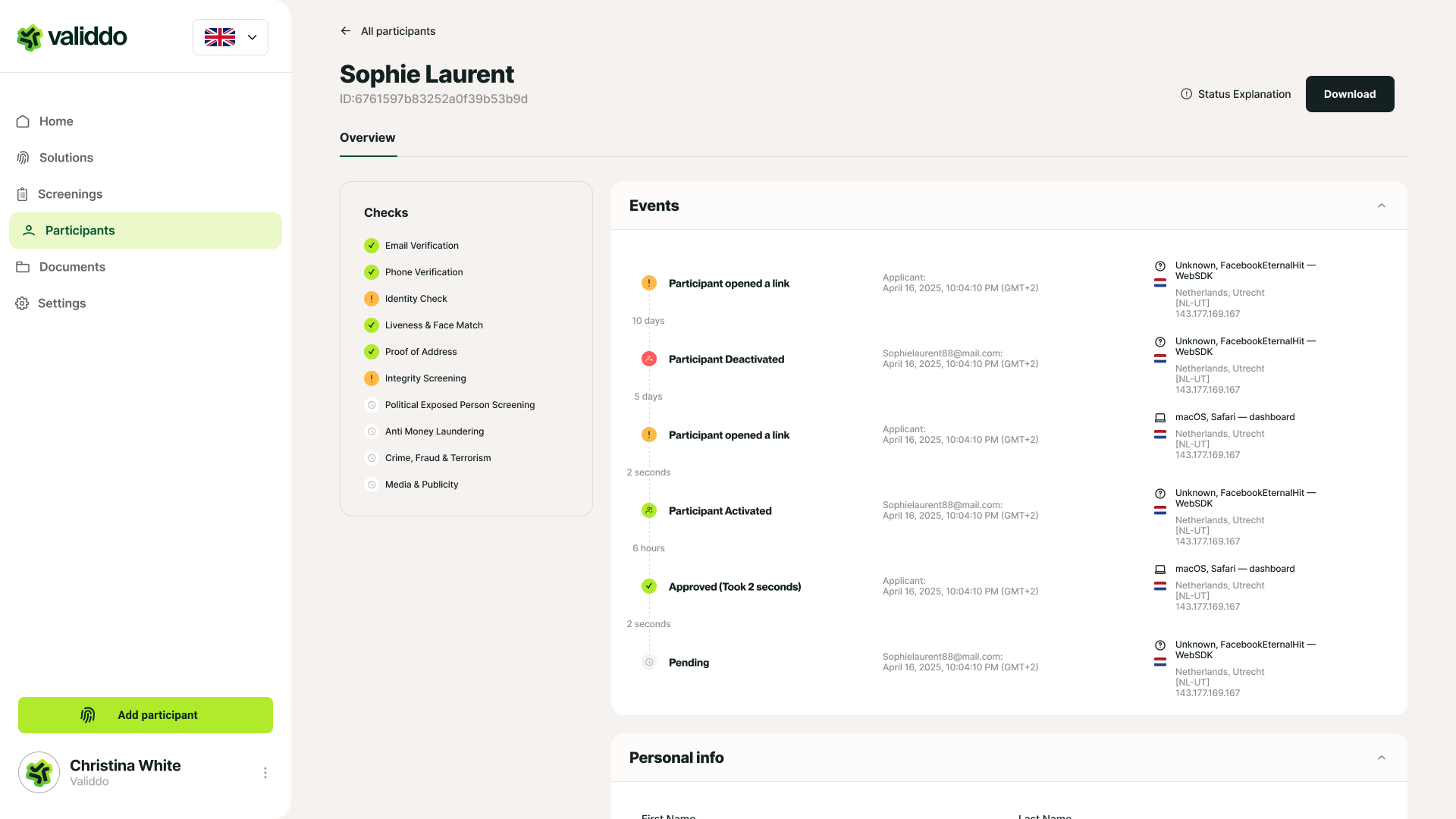
Track live statuses in your dashboard
- You can invite others to view or edit your document by clicking the "Share" button in the top right corner and entering their email addresses.
- You can see who else is currently viewing or editing the document in the "Collaborators" panel in the top right corner.
How does it works?
See how Validdo simplifies your global screening process from upload to results with ease and efficiency. Experience firsthand how our accessible, effective, and people-oriented screenings and identity checks set the standard for innovative security solutions. With Validdo, you protect your organization and build trust.